Start or join
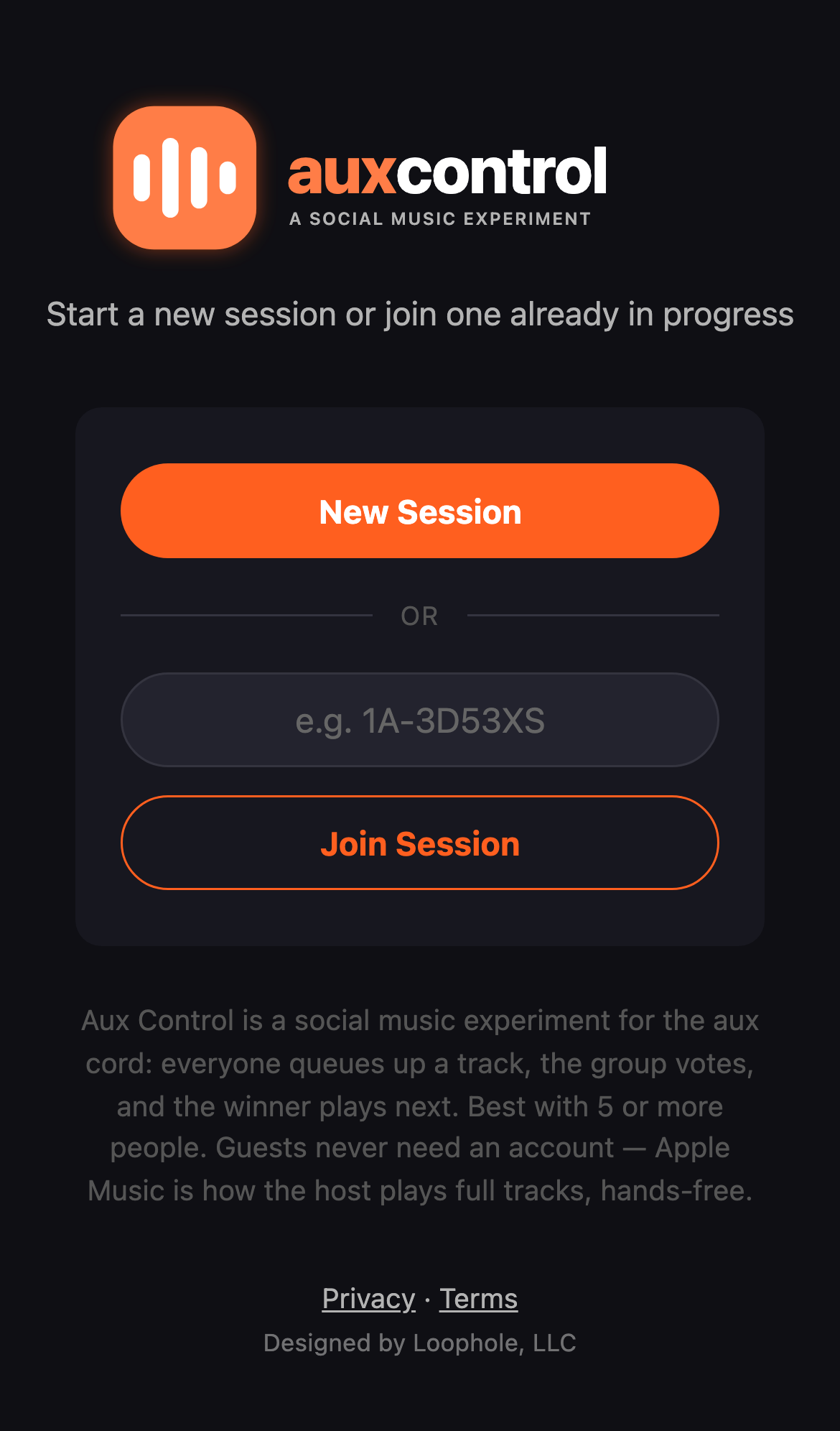
One person starts a session and gets a short code. Guests join free — no app, no account, no download, no excuses. Just the code, or scan the invite QR. Sessions self-destruct after 24 hours — zero cleanup.
The host picks how to play
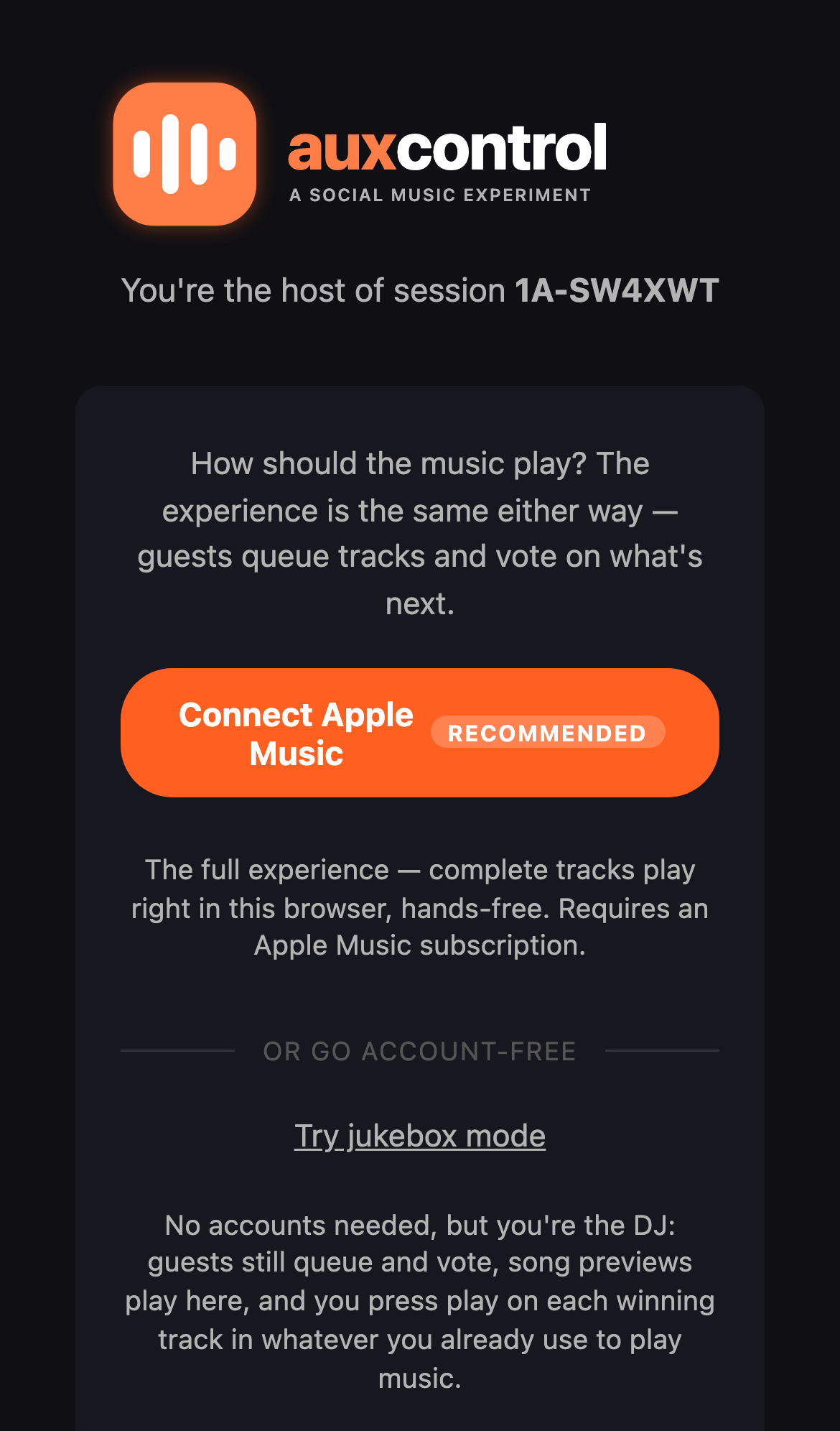
Connect Apple Music and full tracks play right in the browser, hands-free — the best way to host. Already have Apple Music? You can also host from the free iPhone app instead of the browser. No Apple Music? Jukebox mode needs zero accounts: guests hear previews, and the host drops each winner in whatever they already use.
Your crew drops a track
Everyone searches the catalog and puts a song up for votes — no playlist to build, no fighting over the aux.
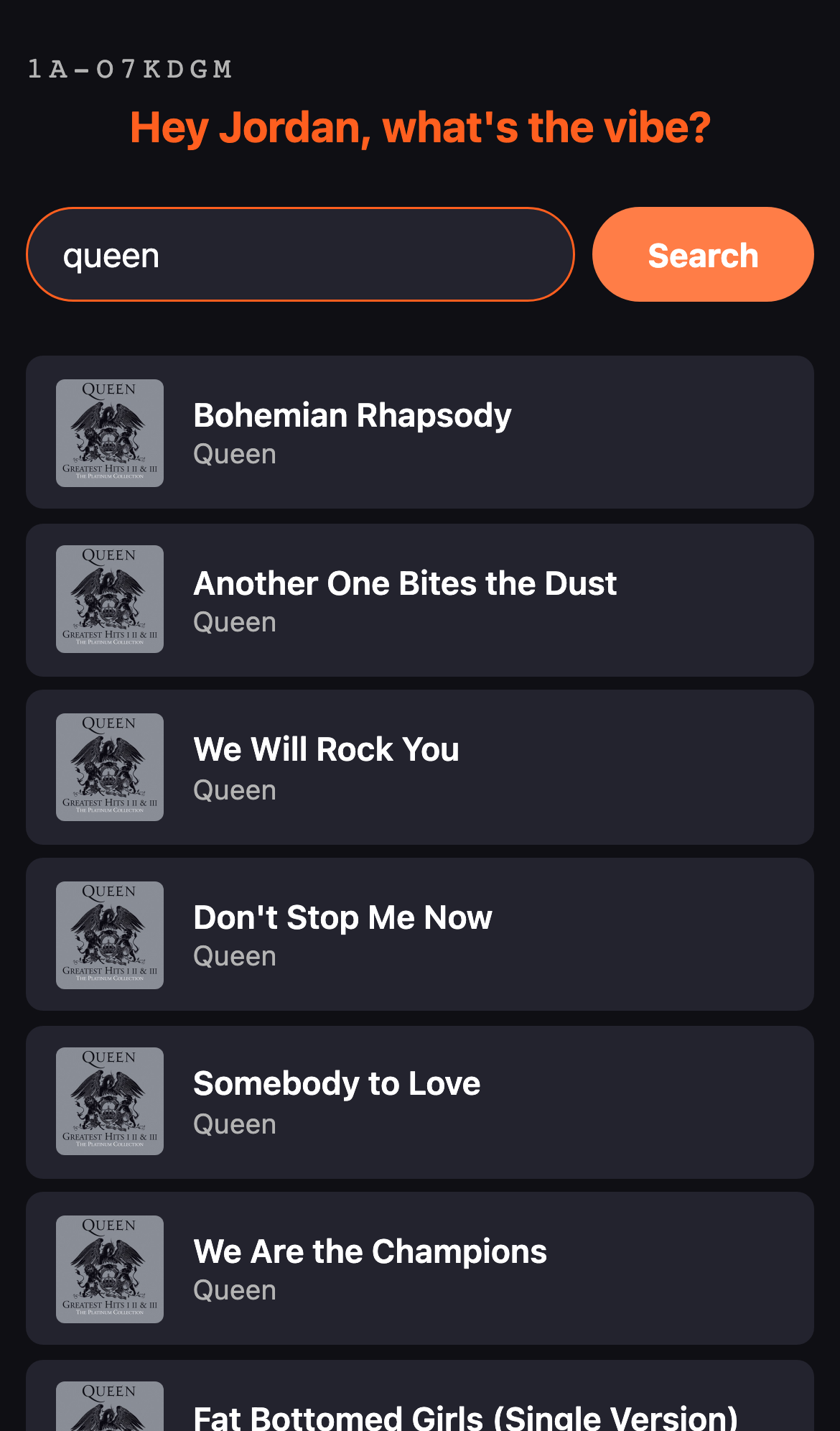
The crew votes
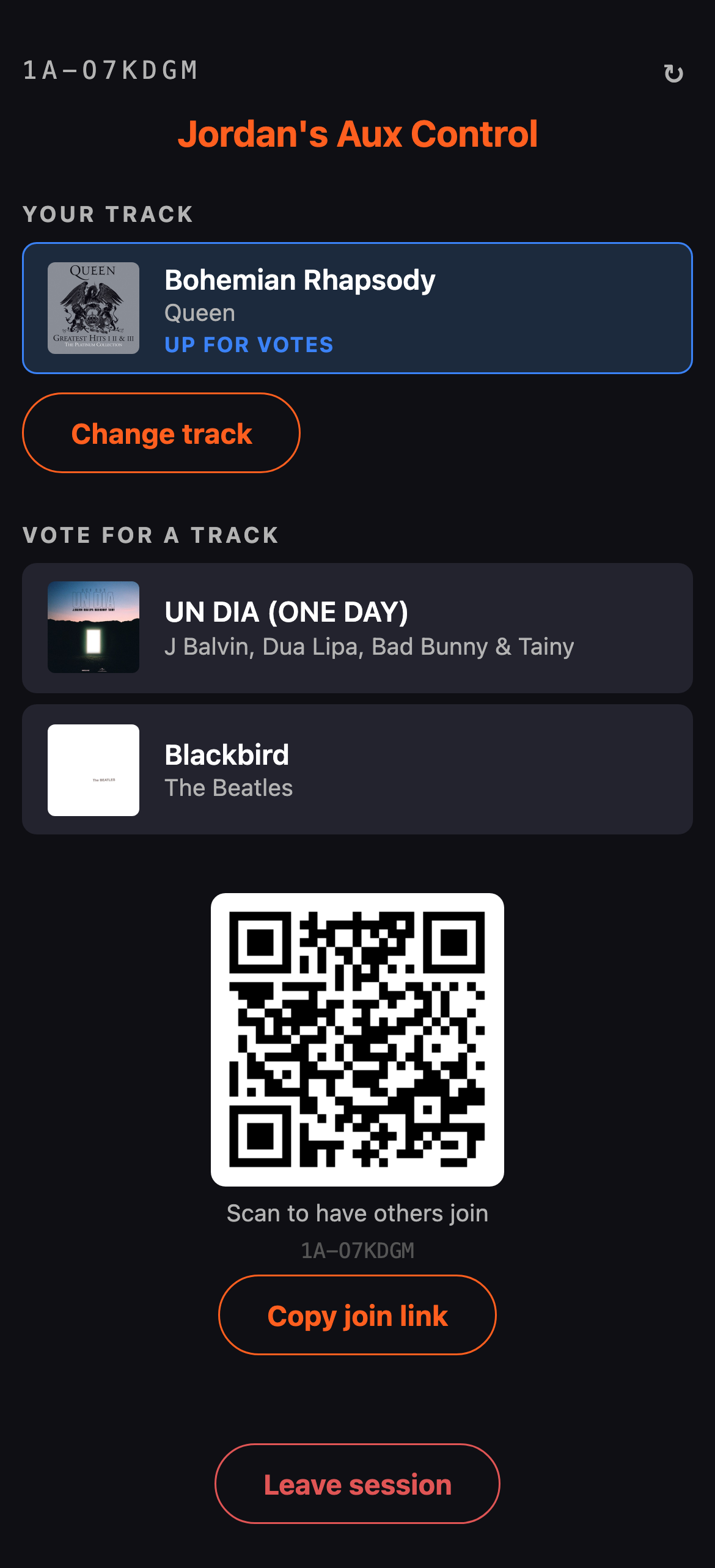
Everyone sees everyone else’s pick and votes for a favorite. Most votes wins and plays next — automatically, no arguing.
The winner plays
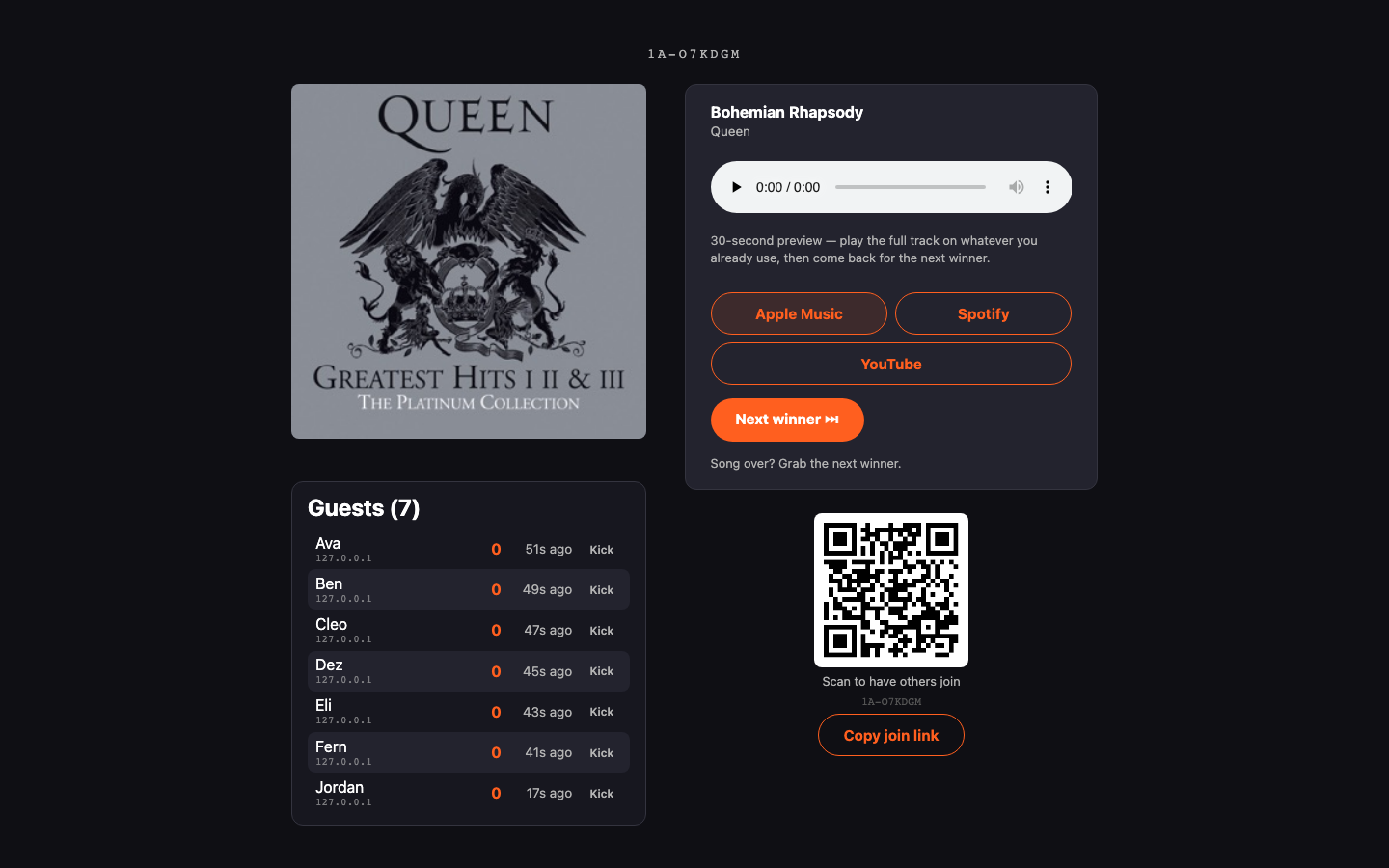
The host’s screen shows what’s up next, the crew, and an invite QR — just as at home on a laptop by the speakers as it is in your hand.